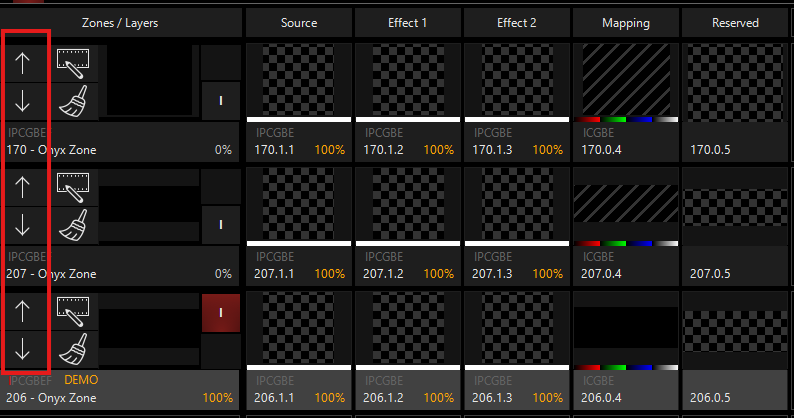
hello, we have 4 dylos zones on a nx1. we know we can use only 2 of them whithout restrictions. but we have two floors, both with a stage and a seperate light setup. the console should first run two bands on floor a, and get later physically to floor b, should get connected to the dmx line of floor b. and run some lights there. so we have to make two pages of 2d plan for the different stages, with 2 zones for page floor a. and two zones for page with floor b.. but we find no way to switch over from dylos zone 1+2 for the page with set a. and zone 3+4 for floor set b.?
is there a way to make a zone a kind of active or inactive in the patch maybe? something to get different zone as demo then 3 and 4. thx.
As @Everton has already suggested, you could use two different show files. Another option is to set your different 2d Plan Views to match the different floors. If your patches are different or offset, you can have the zones programmed and then when you unplug DMX from stage one and move the DMX to stage two it won’t matter. Or you can have 2 different plan views and move the zone from page 1 to page 2. Several ways to accomplish this.
That is really good to know. Since I have license for all five, I though it was just a way to re-organize them so maybe you could see certain one in a “smaller” screen layout. Another useful Tip and Trick.