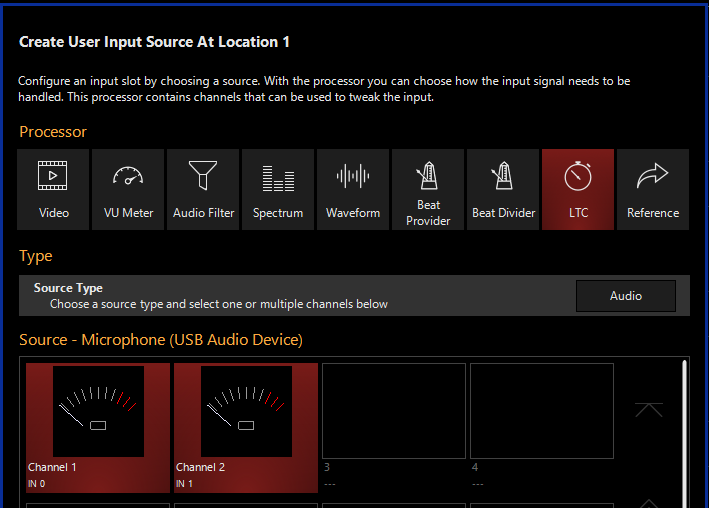
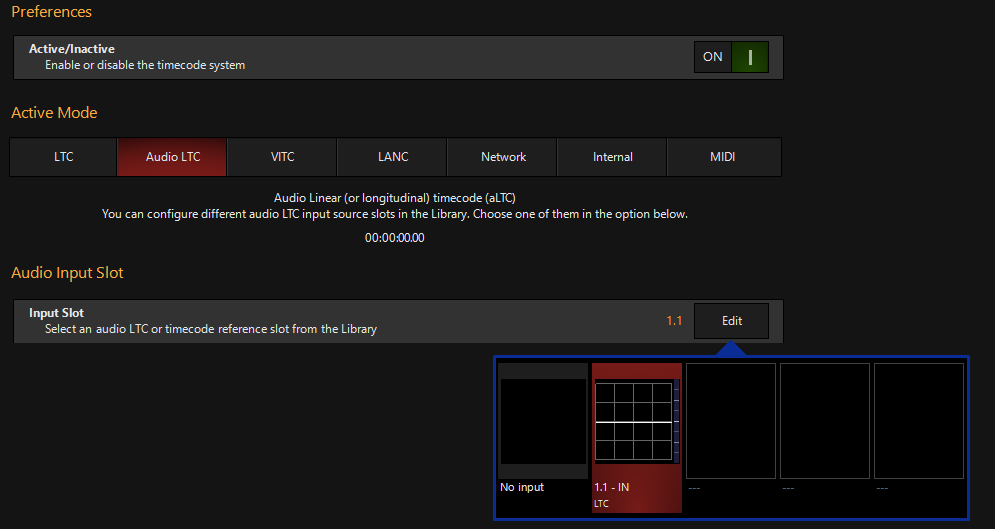
Hi folks, I’m trying to get LTC timecode working with Onyx using a Presonus Audiobox USB96. I generated the timecode audio file using LTC Generator (which I’ve seen recommended by others) and I’m sending it to my console over Dante, which is tie-lining it to analog XLR going to the interface. Both the interface and Onyx see an audio signal but the timecode display shows a flat line, even if I increase the input gain. Any suggestions? Last time I was able to get this working I had to use a Dante AVIO USB interface, but it’s broken recently so I’m looking for another way.
Software Version:
NX Console Type or PC OS Version: PC 4.32.1311.0