hello, we try to save and recall a cue on a netron en12 with firmware 3.0.1.
but nothing work like it should. no saved information after press save on cue tab. and no playback when run in run tab.
what do we wrong? thx.
hello, we try to save and recall a cue on a netron en12 with firmware 3.0.1.
but nothing work like it should. no saved information after press save on cue tab. and no playback when run in run tab.
what do we wrong? thx.
Hi @deflost
Do you currently have an sACN/Art-Net source active on the network? By default EN12 will not play back cues on ports that are currently receiving sACN/Art-Net.
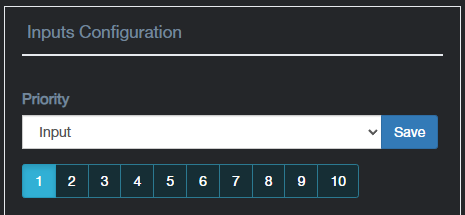
To allow cues to override incoming sACN/Art-Net, go to the Inputs webpage, and change the Priority from DMX to Input.
I hope this helps.
Edward
what do you mean by inputs webpage? do you mean the input tab on clu/ webinterface?
and if so, which setting should be changed?
thx.
Hi @deflost
If you are using CLU, click on the EN12’s globe icon, to take you to the EN12’s webpage. Then go to the Inputs webpage, where you can access the Priority dropdown…
Edward
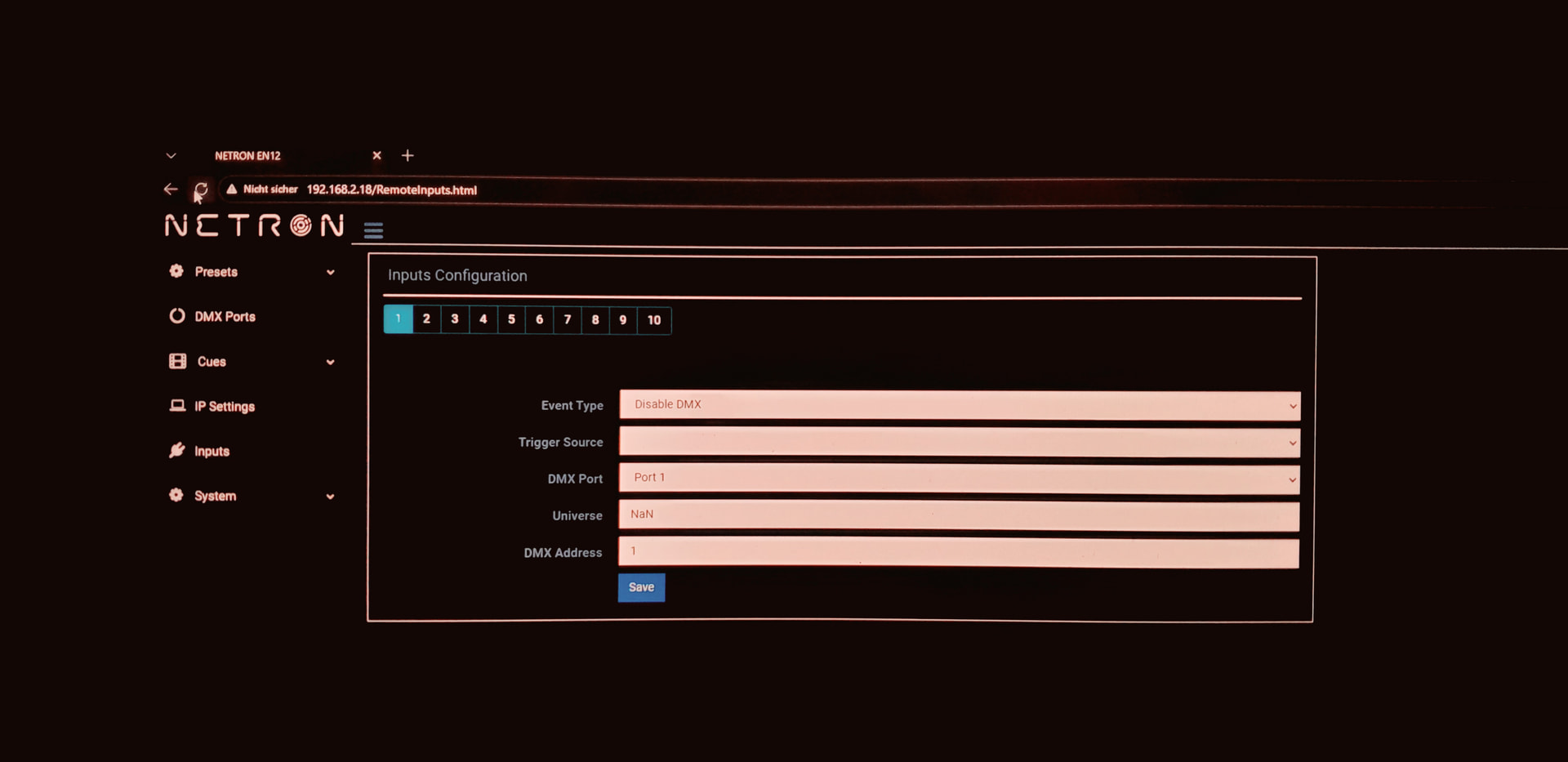
sorry, but the priority settings does not exists in our weg interface page for inputs!?
Hi @deflost
Thank you for the screenshot. This confirms your EN12’s web software has not been updated to v3.0.1.
Please launch CLU, and allow it to discover the EN12. Please then make sure that both the firmware and web version are showing v3.0.1. If the firmware is up to date, but the web version is not, simply click the upload arrow again under Update Firmware, within the CLU Firmware Update tab.
To confirm the update has installed correctly, navigate to the System > Status webpage, and check the Firmware and Web versions.
Edward
thank you so much. now it works, had to update the web interface also. thx.