Software Version: 4.32
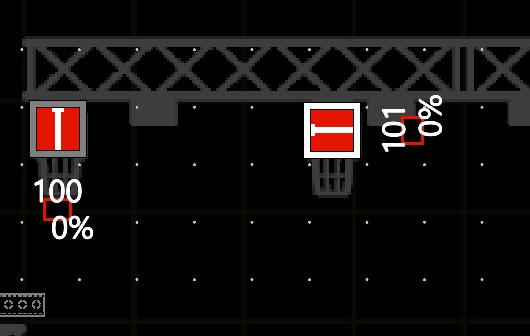
Just trying to get my head around why some of my fixtures will display their name / number etc. while others are showing a black-on-black bar.
You can see the bar open up as it overwrites other on-screen items (dots etc.) but otherwise it is invisible.
I made my background bright pink and you can see the black-on-black bars. The font size just makes the blank bigger.
Am I missing something?