A new maintenance build 4.32.1307 is now live on the download page.
4.32.1307 (07/11/2025)
======================
ONYX-1261 Fixed DMX timings not showing on NX1 and NX2
ONYX-1258 Fixed not listening to Art-Net timecode after boot
ONYX-1257 Fixed parameter window reverting to live values when editing highlight
ONYX-1255 Fixed highlight filter bug in programmer windows
ONYX-1254 Fixed list view not being scrollable when filling slightly more than one page
ONYX-1245 Additional hardware support
ONYX-1256, ONYX-1253 Minor fixes and improvements
ONYX-1042 Added support for NX W
ONYX-1252 Fixed DyLOS not using very small ring-segment parts
ONYX-1251 Fixed highlight values permanently edited after cloning
ONYX-1248 Fixed audio error
ONYX-1247 Fixed placing fixture multiple times on 2D plan page causing pixel mapping problems
ONYX-1246 Fixed faulty color tint parameters in legacy fixture types (causing show files not being able to load)
ONYX-1244 Fixed UI becoming unresponsive or crashing when navigating complex views on multiple displays
ONYX-1243 Ignore updating fixture types that were previously enabled for virtual intensity, but are no longer eligible due to improvements in the AtlaBase translator (causing show files not being able to load)
ONYX-1240 Fixed adding fixture groups to 2D plan while mirror is enabled
ONYX-1234 Fixed exporting large patch reports on consoles
ONYX-1233 Fixed preparing of fixtures that only had (0%) intensity value recorded in mark cue
ONYX-1231 Fixed FX wave/step size calculation when fan spread across mask steps is enabled
ONYX-1230 Fixed fixture name not being visible on 2D plan when bright colors are assigned
ONYX-1229 Fixed network interface enumeration issues on systems with MAC address pass-through enabled (assigning same MAC address to multiple interfaces)
ONYX-1227 Fixed screen rotation issues when connecting/disconnecting external screens to NX2/NX4 consoles that run Windows 11 (IoT Enterprise)
ONYX-1224 Fixed the “new fixture” wizard potentially causing fixture(s) to be created twice
ONYX-1217 Fixed using physical encoders to set effect values for combined/linked channels sometimes leaving FX wave and step calculations at zero
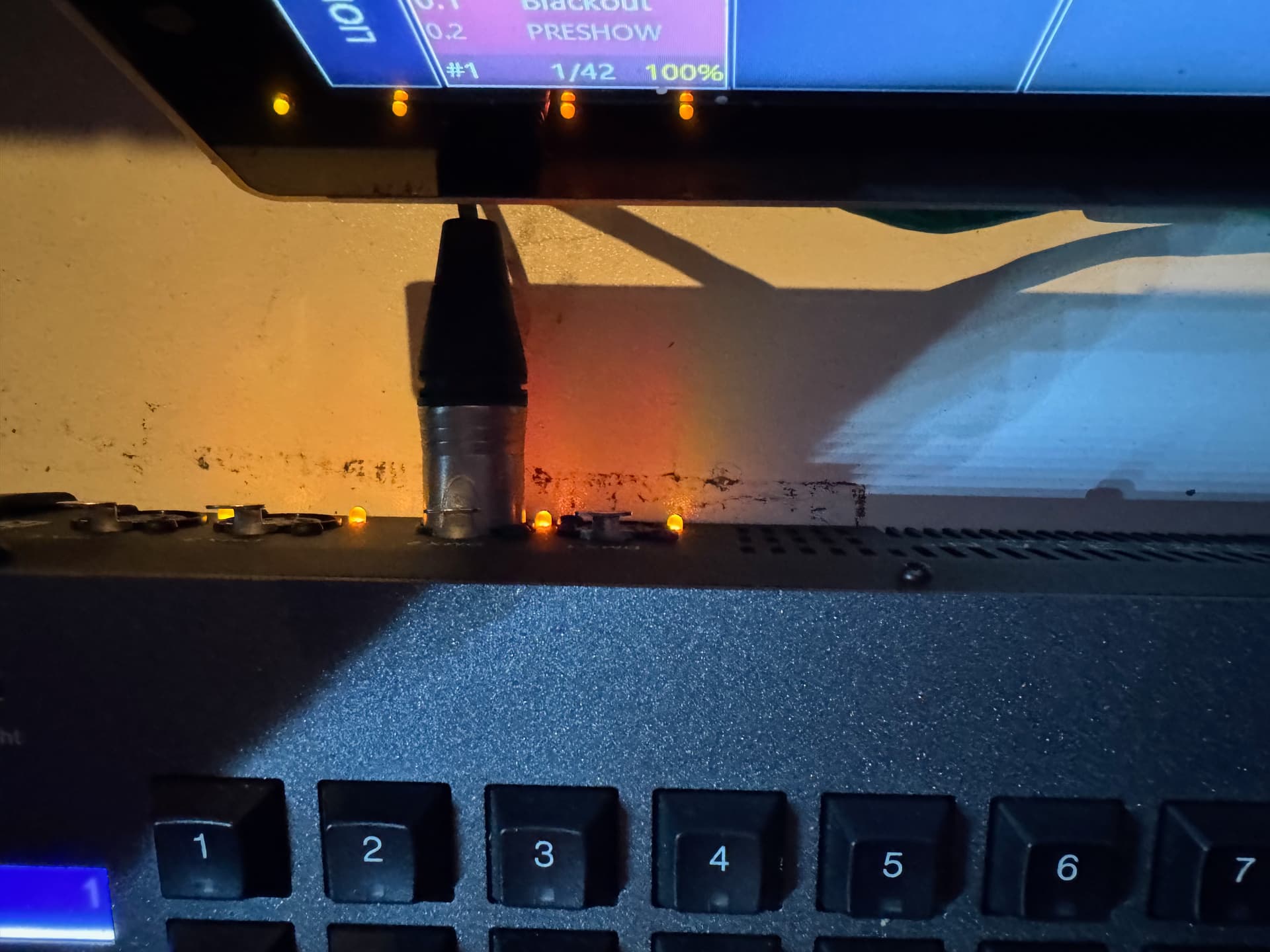
Updated NX1 … we use only one Universe … lost all DMX control on Universe 1. DMX Settings are “001” & “002” … plug into 2 on back of console and I have control. Plug back into 1 and nothing. We are now running plugged into DMX 2.
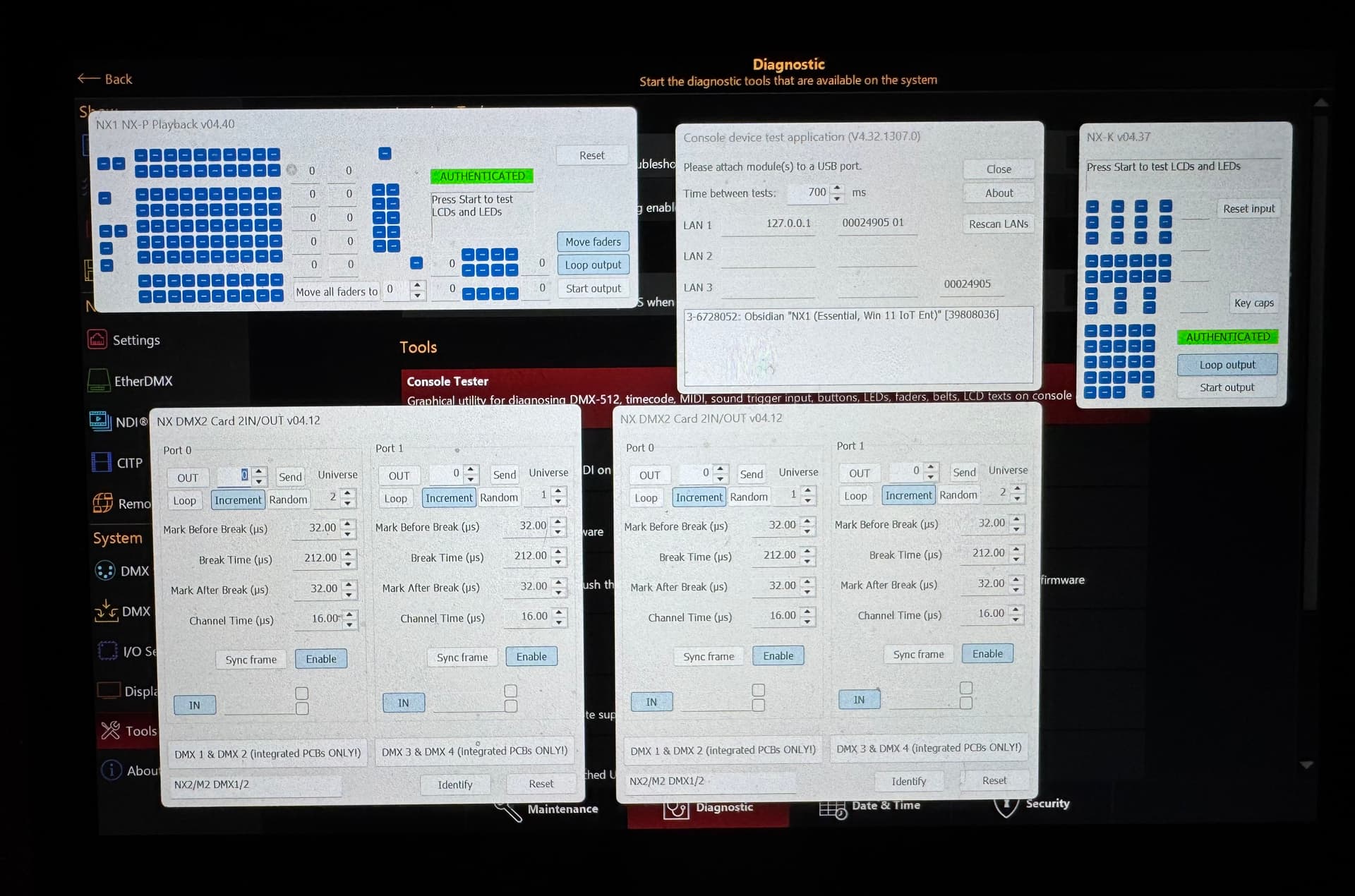
@STP-Tech-Manager and @deflost - Sounds like the DMX ports are becoming unassigned during the update as @David_Henry has initially reported and asking for confirmation. Try running the console tester and selecting the DMX cards. You should then be able to re-assign them to the correct port. Here is a document on how to do the re-assignment. David - did you already try the re-assigning? Did that work for you? Did they stay once a restart took place?
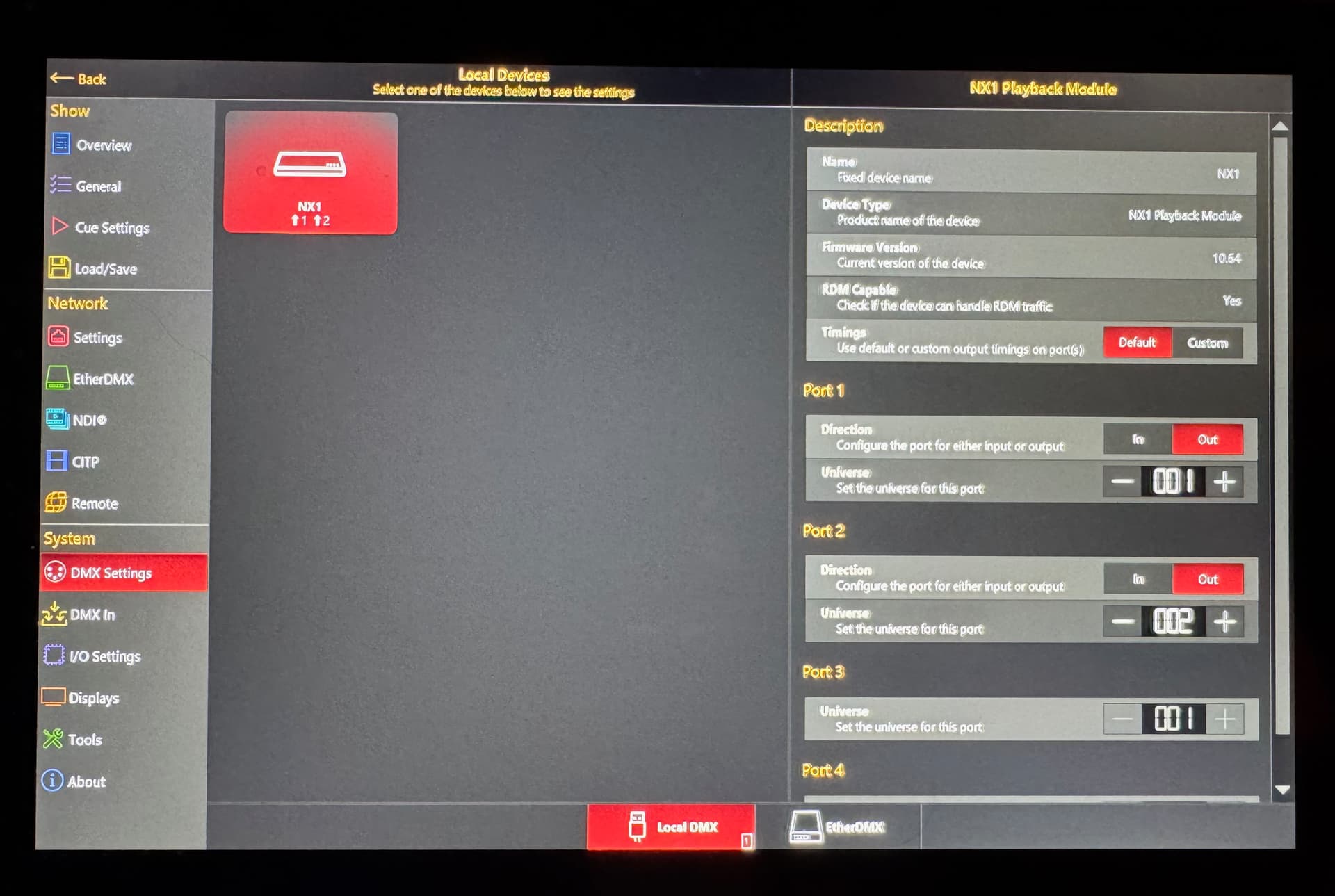
Please go to ONYX > Menu > DMX Settings > Local DMX. If you don’t want to change anything, please take a photo, and then either post it here, or message it to me.
On the right-hand side, by default “Port 1” should be universe 001, and “Port 2” should be universe 002. If Port 2 is set to universe 001, this is why you currently need to plug your DMX line into Port 2.
Two photos are attached … Port Two is still behaving like Port 1. They were just taken minutes ago.
We are in the run up to a show so we have a policy that all our computers are taken offline and no software updates or changes are made until after the run (three weeks from now.)
Hello, while in the ConsoleTester, as it is showing in your screenshot (port 0 @ universe 2 and port 1 @ universe 1 in the panel on the left and vice versa in the panel on the right), press the “DMX 3 & DMX 4“ button on the left panel and the “DMX 1 & DMX 2“ button on the right panel: it will restore the proper identification of the PCBs for the software and also reset the appropriate universe assignments.
Thanks … as I mentioned we are in system lock-down until the current show is complete on November 30. We take all our running consoles and computers off the internet, stop all automatic upgrades and updates from the start of our Tech period to the end of a show’s run. I will look at this on December 1 for sure.
The anguished sounds from the booth when a system dumps suddenly into update mode minutes before a show opens is painful to hear!
Is there any documentation available for the Console Tester?
I would love to know what the various setting are / should be.
Sure! Unfortunately there’s no documentation for ConsoleTester: it’s conceived as a test tool for firmware while being developed, so rather for internal use. We include it as a courtesy so customers could quickly locate the source of some issues but otherwise should only be launched at the request of Obsidian support staff for diagnostics.
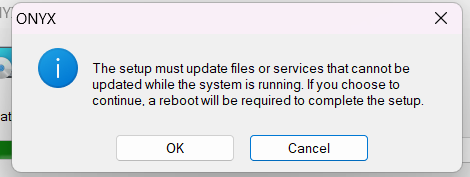
I have an issue when installing OYNX 4.32.1307 where the icon didn’t populate on my desktop. I tried to uninstall and then reinstall but I’m not able to uninstall the software. I keep getting this messages. OYNX is not running. Any help would be greatly appreciated.
Good to hear from you, how are you? (for others reading this, we used to work together at Vari-Lite!)
Thank you for the screenshot of the error. Sorry to see you have encountered this. On this PC, please go to Windows Settings > Apps > Installed Apps, and then find SQL Server 2012 localdb. Please then uninstall this app, restart your PC, and then retry the ONYX install.
I went through that process, deleted SQL Server 2012 localdb. Restarted my computer it prompted me to reinstall SQL Server 2012 localdb and then continued to the installer and did the same thing.. Still cannot uninstall OYNX.
Please ensure you are installing ONYX on the Windows account with admin privileges. Is this PC part of an organisation, with management policies configured?
If you are still having difficulty, please download and run the Diagnostic Log Tool as an Administrator from the link below… Diagnostic Log Tool
Once complete, please email the .zip file it creates in your Downloads folder to support@obsidiancontrol.com. We will then be able to investigate further into what is causing the installation issue.