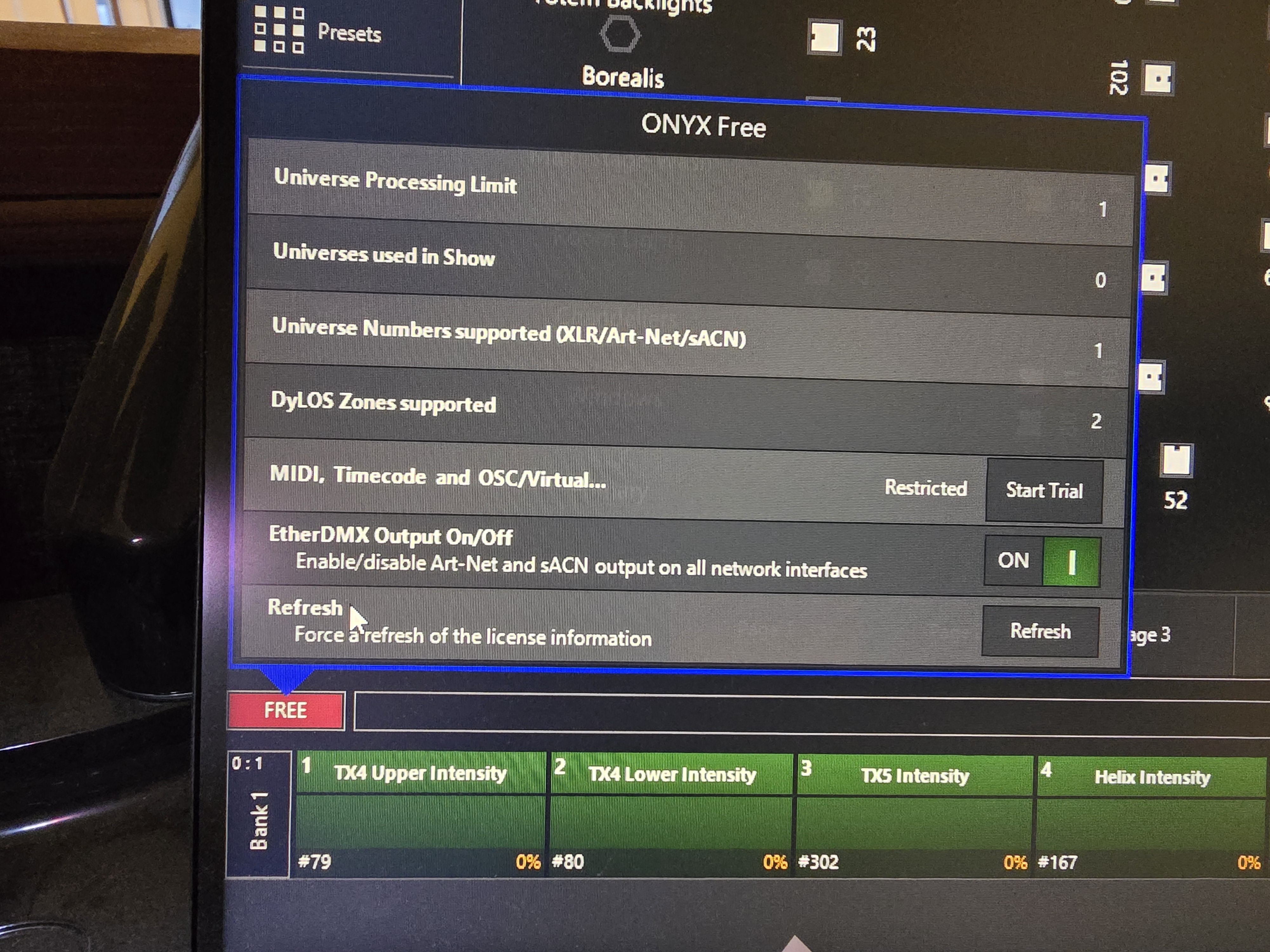
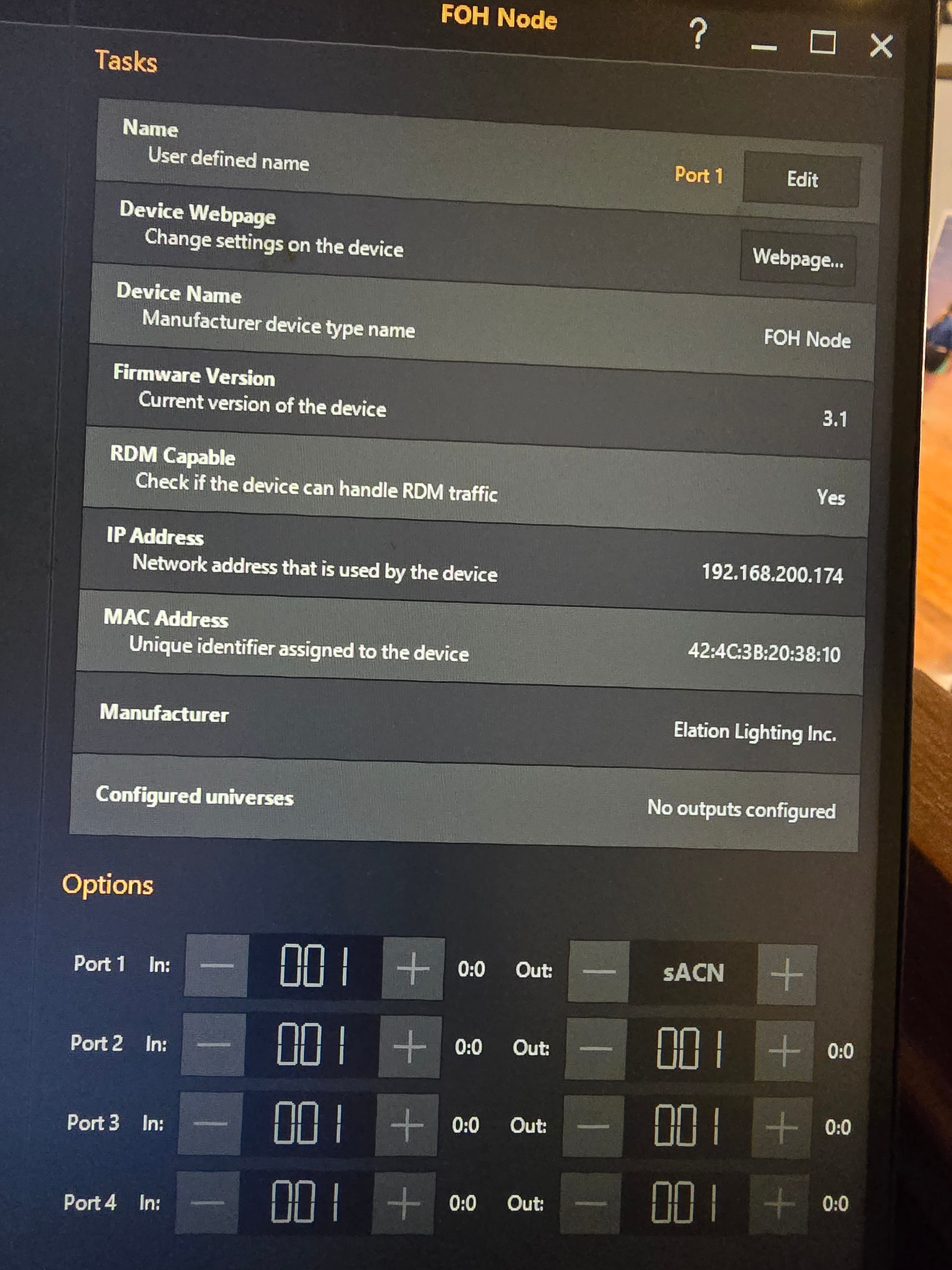
I’ve been running Onyx on the same PC for about 5 years with no issues. The PC is attached to an M2GO via USB as a control surface and there is an EN4 on the network connected via sACN. This is a fixed installation, nothing gets moved around.
We had an event on Saturday and Onyx would not come out of FREE mode (lower left corner).
I can see the EN4 in the devices window. I can open license manager and see the licenses for both the M2GO and the EN4.
I’ve upgraded Onyx to the latest release that supports the M2GO in control surface mode.
Nothing brings it out of FREE mode. The show file will load and I can even see control inputs from the M2GO in Onyx, but all of the fixtures are totally unresponsive.
Welcome to the forum. Thank you for your description of the issue.
ONYX 4.10.1271 is the latest version of ONYX that supports the Martin M2GO in USB wing mode. Therefore, I am assuming you are running this version.
If your PC is running an up to date version of Windows, ONYX may not be able to detect the M2GO’s licence. However, ONYX should still be able to detect the NETRON EN4, so ONYX should be running in at least NOVA mode.
On your PC, please go to Windows Settings > Apps > Installed Apps. In here, please check that the Obsidian Control System Driver Package is installed, and has the same version number as ONYX.
Thank you for confirming the EN4 is shown in Menu > EtherDMX > Devices. Please doublecheck that ONYX PC and the EN4 have a matching subnet mask.
Please could you confirm the firmware version running on the EN4?
Thanks for the pointers, unfortunately none of that resulted in a change. Onyx and driver package match. Subnets match. EN4 firmware is 3.0.1. Still stuck in free mode.
Is there any third-party antivirus software installed on this PC? If so, please try disabling this, and see whether ONYX then detects the licence.
If you do not have third-party antivirus software, please restart your PC (do not shutdown and then reboot). Once restarted, please run the ONYX 4.10.1271 installer, and the utility should guide you through uninstalling ONYX. Once complete, please then run the installer again, to reinstall ONYX.
Please then launch ONYX, reload your show file, and let me know whether ONYX can detect the licence.
Okay, I made some progress last night, and it definitely is tied to the M2GO in wing mode.
No antivirus or FW installed. Node and PC are on a segregated VLAN. As previously noted, everything was working fine and then it wasn’t.
Anyway, what I have discovered is that when Onyx loads, it recognizes the M2GO and locks itself in FREE mode.
If I shut down Onyx, unplug the USB from the M2GO, then relaunch Onyx, it will grab the license from the EN4 and unlock in NOVA mode. I can then reconnect and power up the M2GO and use it in wing mode without any issues.
So the problem has something to do with the M2GO hijacking the whole licensing enablement process.
Thanks very much for your description of the issue.
What I believe is happening here, is ONYX is seeing the M2GO upon startup, but without a licence. This is because Windows is blocking ONYX from seeing the licence. ONYX is then forced into FREE mode, and stops looking for other licences, as it believes an unlicenced device is attempting to impersonate a Martin product.