Good afternoon. I am installing a NX1 for a client, and after powering down the console, it is asking for a password on startup. I did not set one. Does anyone know the default?
This indicates a defect, the console needs no password to boot.
Password to open program? or to entry BIOS?
Hello,
same problem here. I installed the newest update and dylos content on my nx1. After saving the showfile, it shut down itself, and is now asking for a password on startup. Please help, thanks.
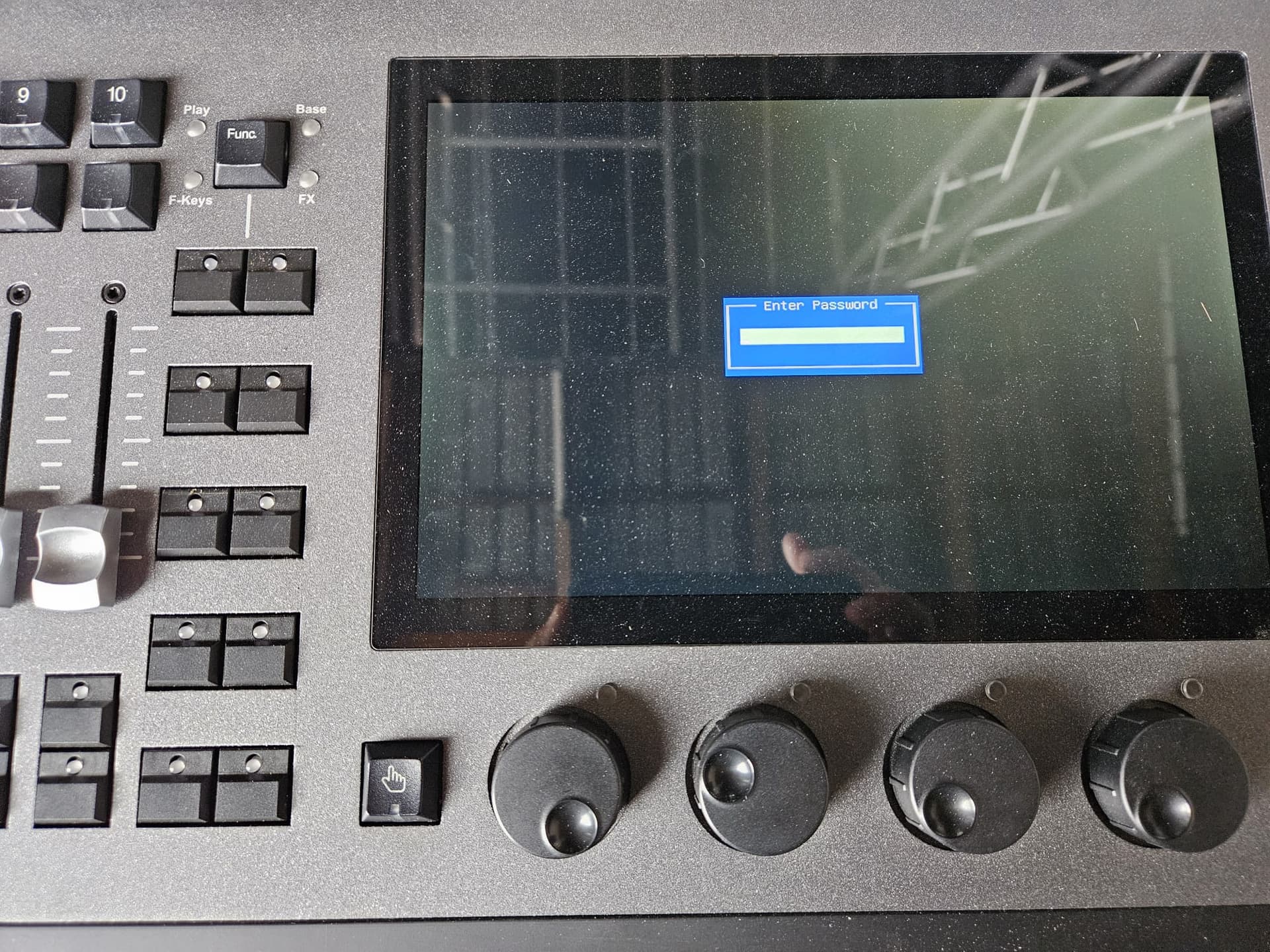
Hi @Plattner
Welcome to the forum. Sorry to see you have encountered this.
The screen you are seeing is the NX1’s BIOS screen. This is usually accessed by booting the console with a key combination held down on an external USB keyboard. Please attempt to boot the console with all USB devices disconnected. Does the console then boot normally?
Edward
Hi @Edward ,
thank you for your reply. Nothing was connected to it, i tried many times and now i have another problem, it says:
Reboot and Select proper Boot device or Insert Boot Media in selected Boot device an press a key
When i connect the 4.32 Update USB-Drive it is doing a Windows update, but then i have to disconnect the USB-drive and start again, but it doesn´t work, this screen always appears.
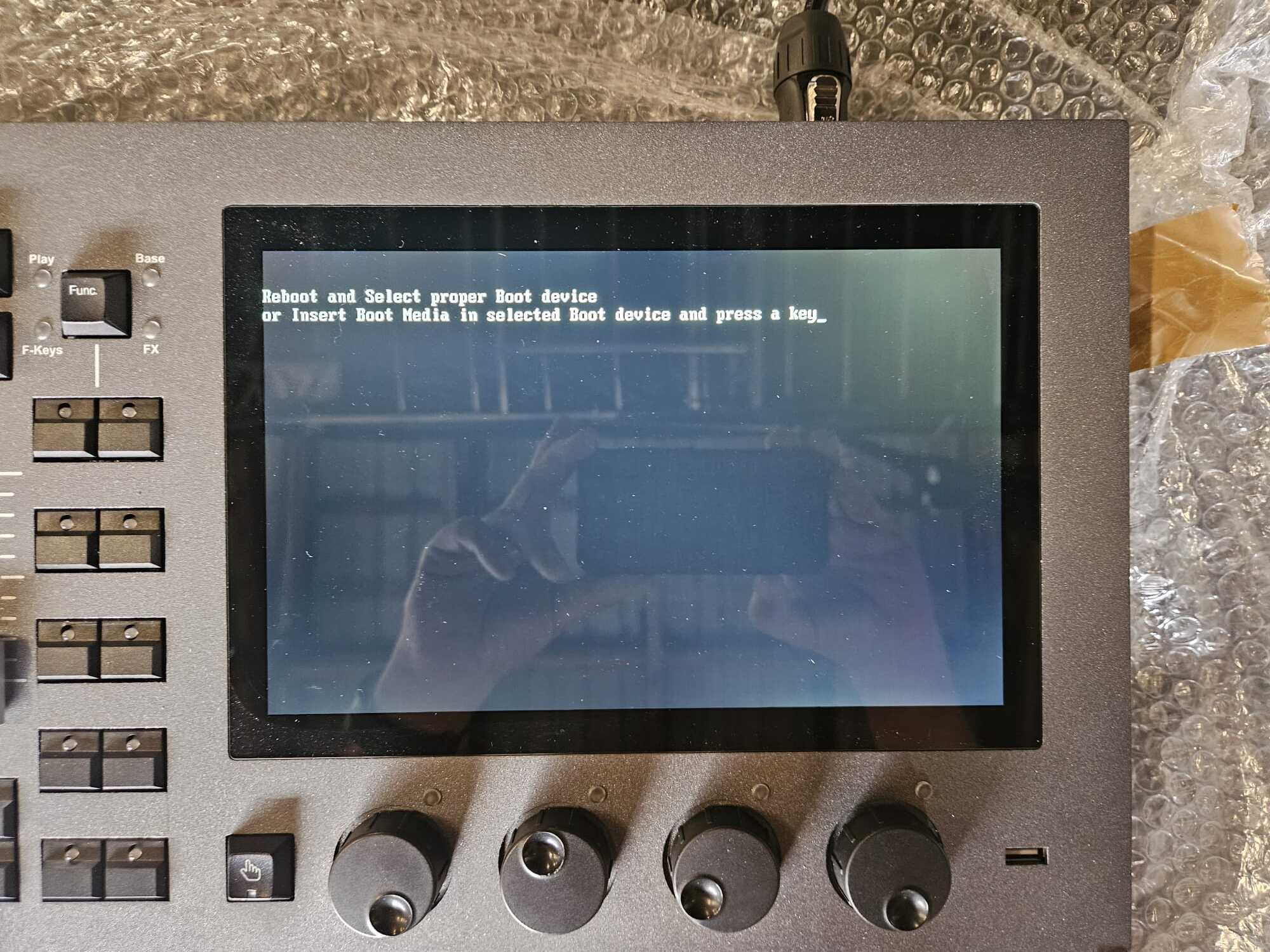
I opened the NX1 and searched for loose cables, but could not find one.
I hope you have a solution for me, because i have to do a show next weekend.
Sebastian
Hi Sebastian,
If this screen is shown, please connect your USB drive that is formatted with ONYX OS 4.32.
Please then switch the console off and on again, and the NX1 should then boot into the USB drive.
If it does not, it is possible that your USB drive may be classed as a “USB Hard Disk” rather than a “USB Key”. In this situation, I would recommend sourcing an alternative 32GB or 64GB USB drive instead, and formatting this with ONYX OS 4.32. Please then attempt to install the operating system using your new USB drive.
I hope this helps. Please let us know how you get on.
Edward
Hi Edward,
unfortunately it doesn’t work. I formatted another 64GB USB Stick with ONYX OS 4.32. The NX1 start again installing Windows Update.
After finishing that, i disconnect the USB-Drive and start the NX1, but it appears again:
Reboot and Select proper Boot device or Insert Boot Media in selected Boot device an press a key
I hope there is another solution.
Sebastian
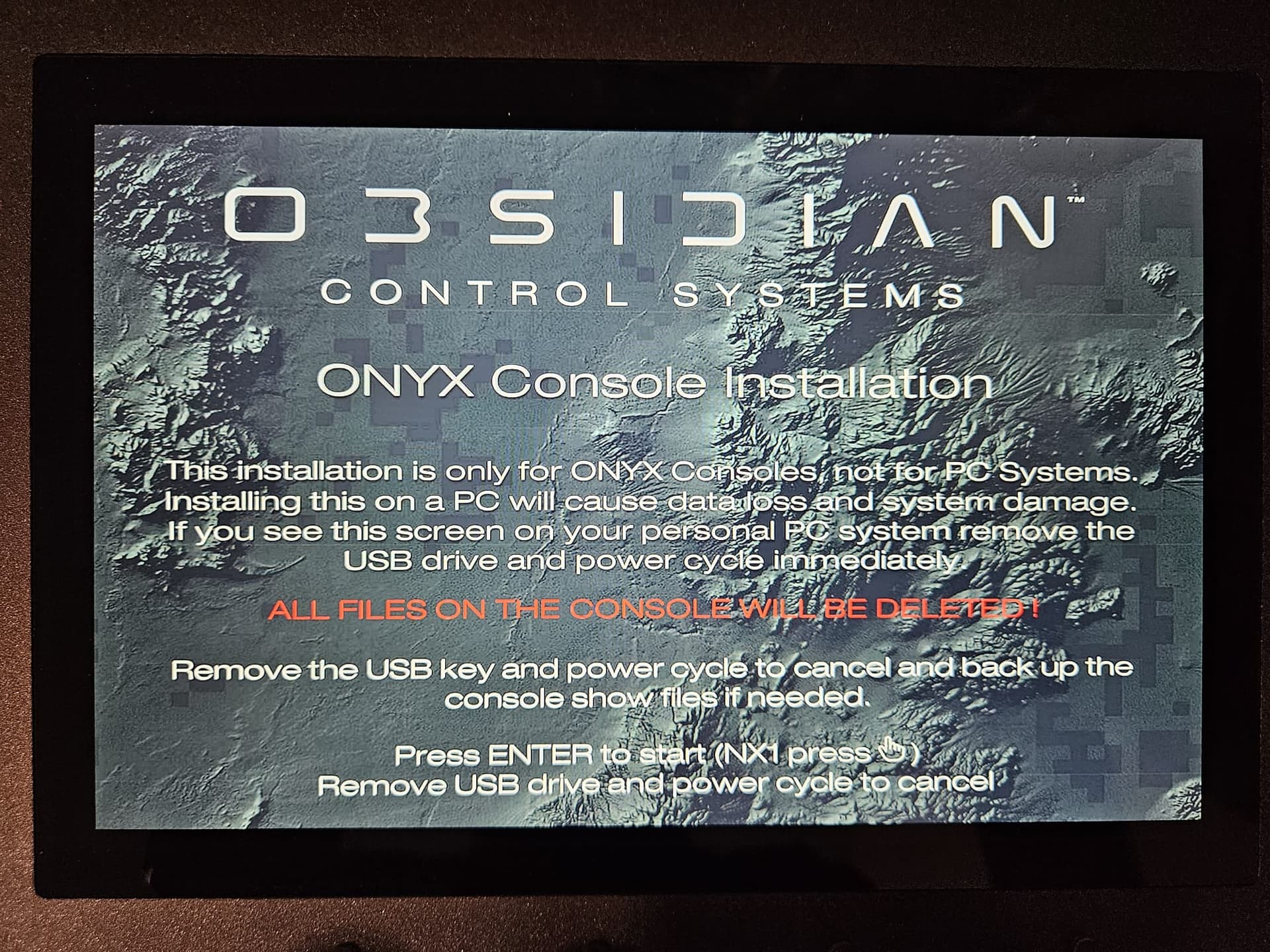
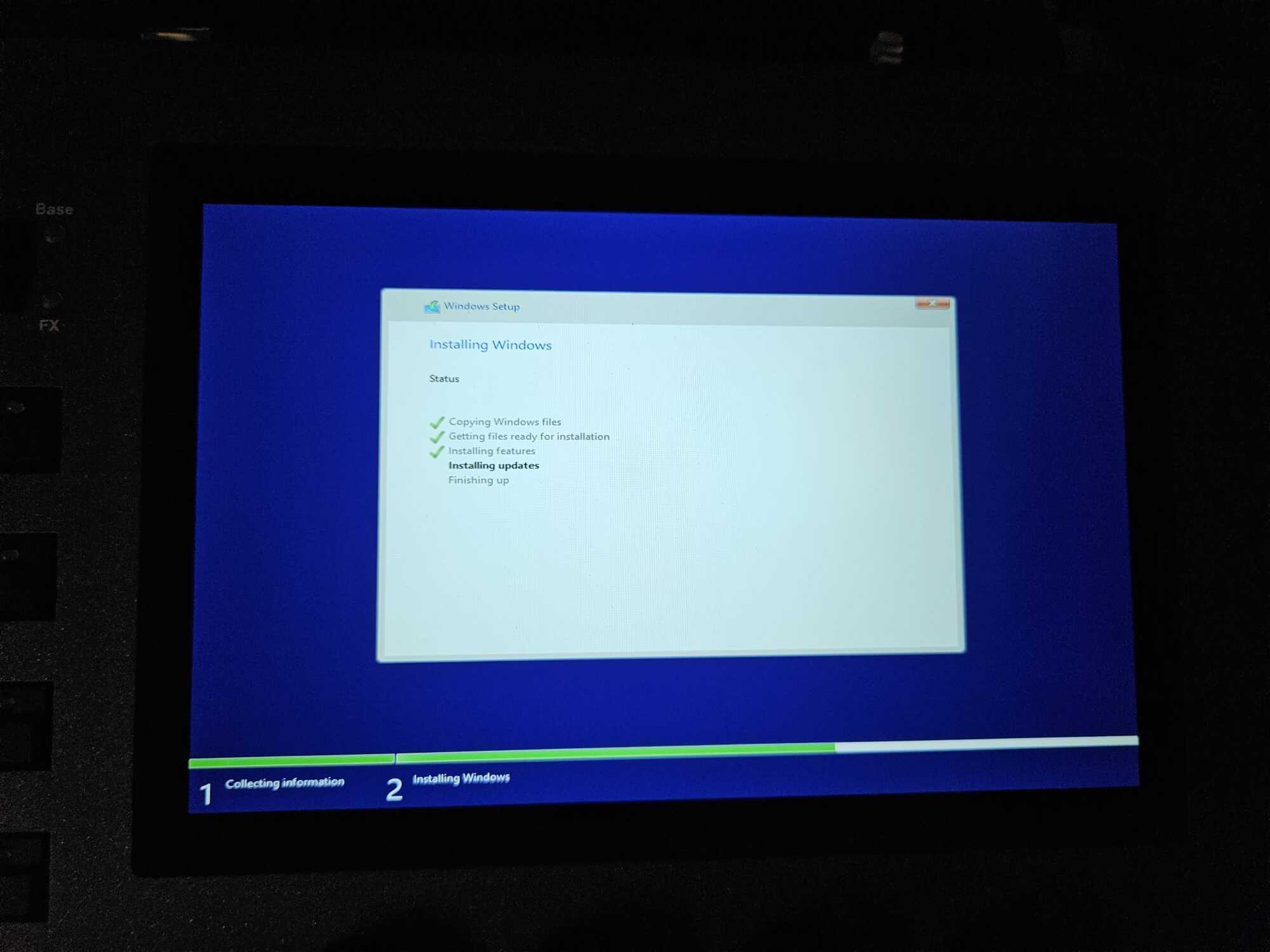
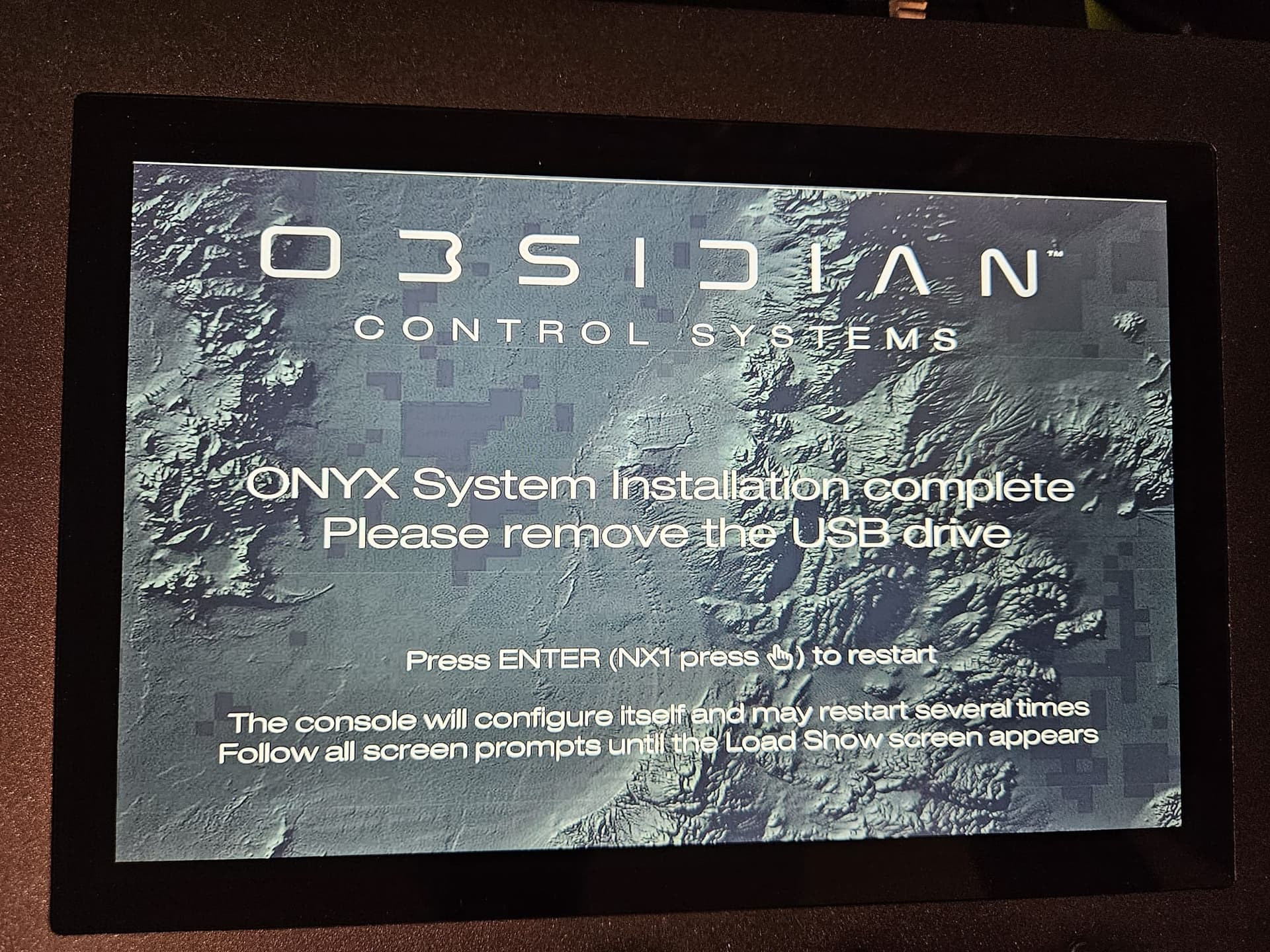
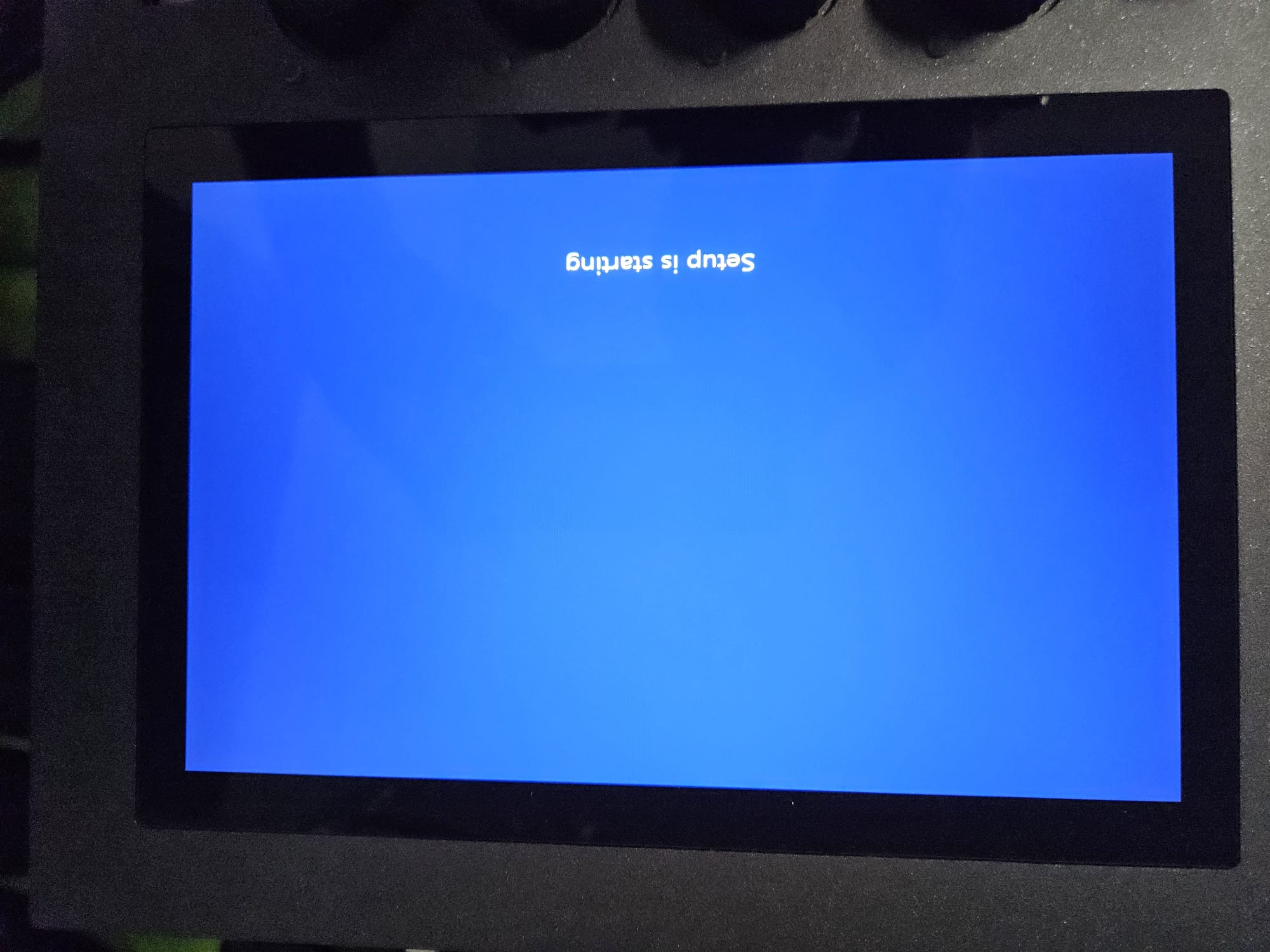
I just updated an NX1 last week. On the website, at the bottom of the Install OS instructions there is this additional information. Have you tried this yet? @Edward will know best. In my case, the install completed but did not restart automatically. After a manual power cycle, everything was fine. If you get it to boot (or as it boots) confirm the OS in the bottom left. And last, please confirm that you did do the one time NX1 BIOS update prior to attempting to install 4.32 (or 4.10). Not knowing what version you are updating from, so just making sure.
Hope this helps,
Watson
Troubleshooting a console OS install
In the event your OS install is unsuccessful or the console reboots and shows “Reboot and Select proper Boot device or Insert Boot Media in select Boot device and press a key” please follow the following steps.
-
Re-run the OS installer on the console (rebuilding the USB is not required)
-
Once the installation is complete and shows the following screen, do NOT press enter. Power cycle the console with the OS USB still attached to the console.
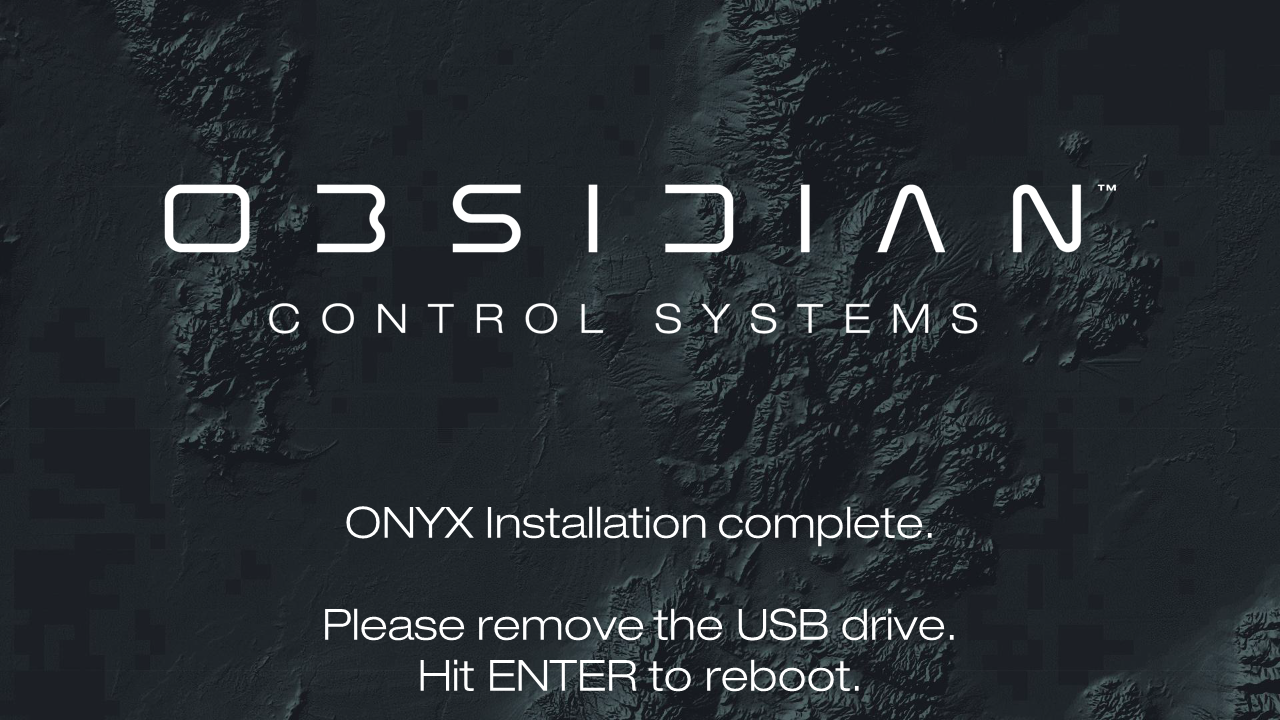
- Let the installation run again and follow the onscreen instructions. Remove the USB and press enter when prompted.
If the issue persists, please contact Obsidian Support at Support@Obsidiancontrol.com
1 Like
I upgraded our NX1 to 4.32 and yes, had multiple backups before doing it. I had literally every failure from above … hangs on starting up, then hangs on loading show files, requesting passwords, requesting PIN’s, looks like it is going normally then completely locked up. We did the full troubleshooting with everything unplugged. In the end I did a complete reinstall of the entire OS (twice) and had to do it once again leaving the USB key in the second (actually third) time. Tonight it appears to be working and stable. We have loaded our base and show files and everything seems to be there. See where it is tomorrow when we will test it extensively. This upgrade was definitely not fun.
Hi Sebastian & @STP-Tech-Manager
Sorry to hear you have encountered these issues.
@Plattner - please let us know whether you have followed the troubleshooting steps kindly shared by @Watson
Edward
I followed the troubleshooting steps in detail. It was only after the reinstall WITHOUT REMOVING THE USB KEY that the system came back to life.
I had the full troubleshooting docment up on my laptop.
Our testing today went flawlessly. Reloading our base and other show files restored everything.
I would definitely not attempt an upgrade with a show looming. We just closed our last run and I have a concert on Friday. Glad I attempted the upgrade on the Monday.
Same here, it was only after the reinstall WITHOUT REMOVING THE USB KEY that the system came back to life.
Unfortunately, it didn’t work the first time; I had to try several times before it worked.
During the other attempts, I received various error messages, ranging from “Enter Password” and, of course, “Reboot and Select proper Boot Device or Insert Boot Media in selected Boot Device and Press a Key” to various Windows error messages and installation crashes:
“WINDOWS COULD NOT APPLY THE UNATTEND ANSWER FILE’S SETTING”
and
“WINDOWS COULD NOT APPLY UNATTEND SETTINGS DURING PASS [OFFLINE SERVICING]”
and
“WINDOWS COLD NOT CLEAN DISK 0. THE SPECIFIED DIS DOES NOT EXIST. THE ERROR OCCURRED WHILE APPLYING THE UNATTEND ANSWER FILE’S SETTING. ERROR CODE: 0x80300025”
But after many attempts, it finally worked, and everything is working fine at the moment. The only thing I haven’t installed yet is the DyLos content. The last time I installed the DyLos content in version 4.32, I started having problems.
Best regards,
Sebastian
Hi Sebastian,
Thank you very much for sharing the error messages you encountered. We will investigate what may have caused these.
The DyLOS content is just a batch of media files. I’m not sure why installing this package would cause problems. The latest DyLOS content can be downloaded from the link below…
https://files.obsidiancontrol.com/s/Dylos_HQ/download
Please let us know if you have any questions.
Now I have the same problem again!!!
I connected my NX1 to a show on my laptop via X-Net. Everything worked fine, except for DyLos. DyLos kept crashing; some of the lights would turn off alternately. When I disconnected the NX1 from the show, DyLos ran smoothly. Since I hadn’t installed the DyLos content on my NX1 yet, I thought that might be the cause. So I started installing the DyLos content, and unfortunately, the same error occurred again as last time. The NX1 shuts itself down during installation, restarts, and now I get all the error messages from last time:
“Enter Password,” “Reboot and Select proper Boot Device or Insert Boot Media into selected Boot Device and Press a Key,” and various Windows error messages.
Unfortunately, I haven’t been able to get the NX1 working again yet.
A very disappointed
Sebastian
In this videos you can see the DyLos dropouts
Thank you for the information. Really sorry to see you have encountered these issues.
We have investigated the error messages you encountered when installing the operating system. Unfortunately, these suggest that power was lost during a critical step of the operating system installation, which could have damaged the console’s SSD.
As your console shut itself down whilst storing the DyLOS content to your SSD, this would suggest that the SSD is damaged, or partially corrupted. The SSD may need to be replaced to restore stable operation.
I would recommend contacting LMP in Germany, who will be able to assist in servicing your console.
Full DyLOS Media Exchange is not currently supported over X-Net. This functionality is logged as reference ONYX-1038 on our system. I have logged your request for this, which has raised its priority.
Apologies once again for the inconvenience caused. Please let us know if you have any questions.
Edward