Under development. I will update this post soon with the software ready for use on ONYX.
1 Like
1 Like
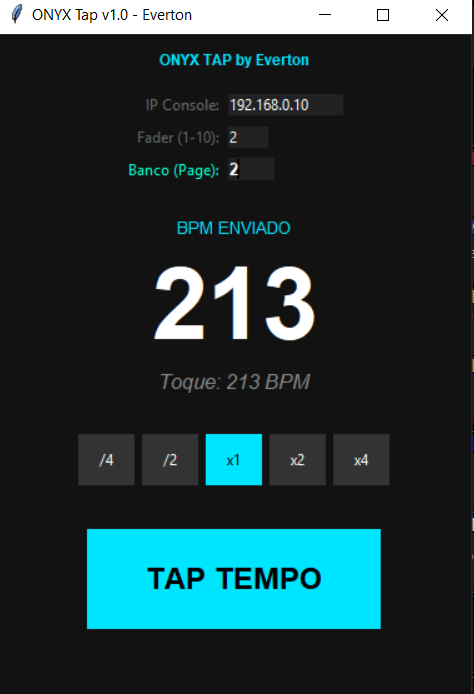
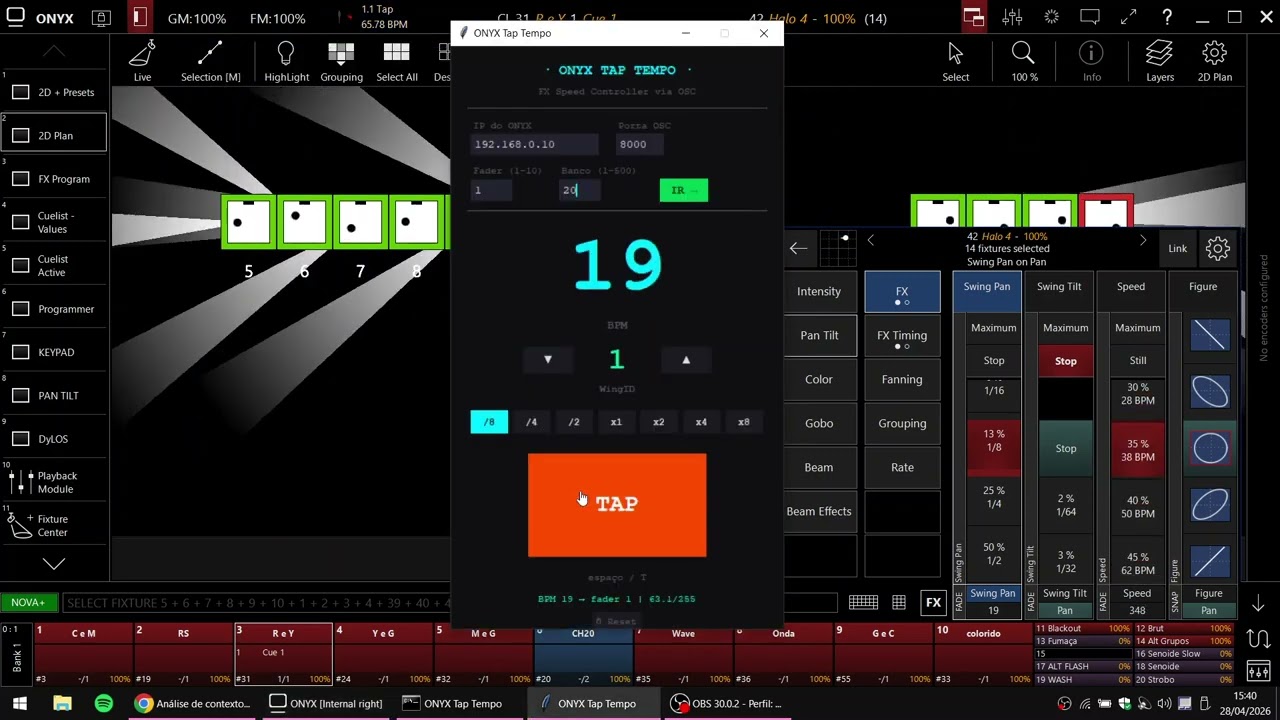
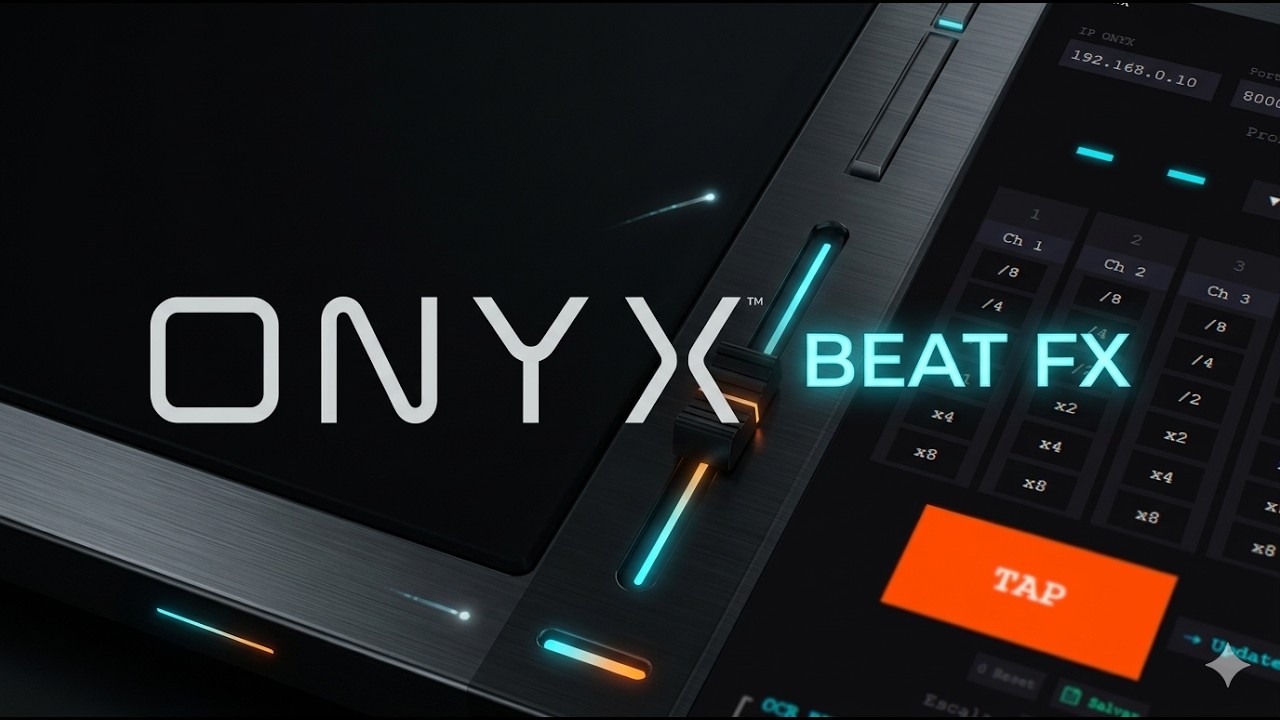
This application controls a chosen fader with a curve very close to the BPM FX of the parameters.
Save whatever FX you want in this fader and use it as an “override”.
Change the Wing ID to one specific to it. At this point, you will see the ID number changing on the screen; this already shows that there is communication. After choosing the bank and the fader, click “GO” for it to navigate internally to that bank. Then, just use the TAP and it will change the value of the chosen fader. It also sends the BEAT to the ONYX, so everything is synchronized.
It uses the ONYX’s loopback and OSC network card.
Link: 221.09 MB folder on MEGA
2 Likes
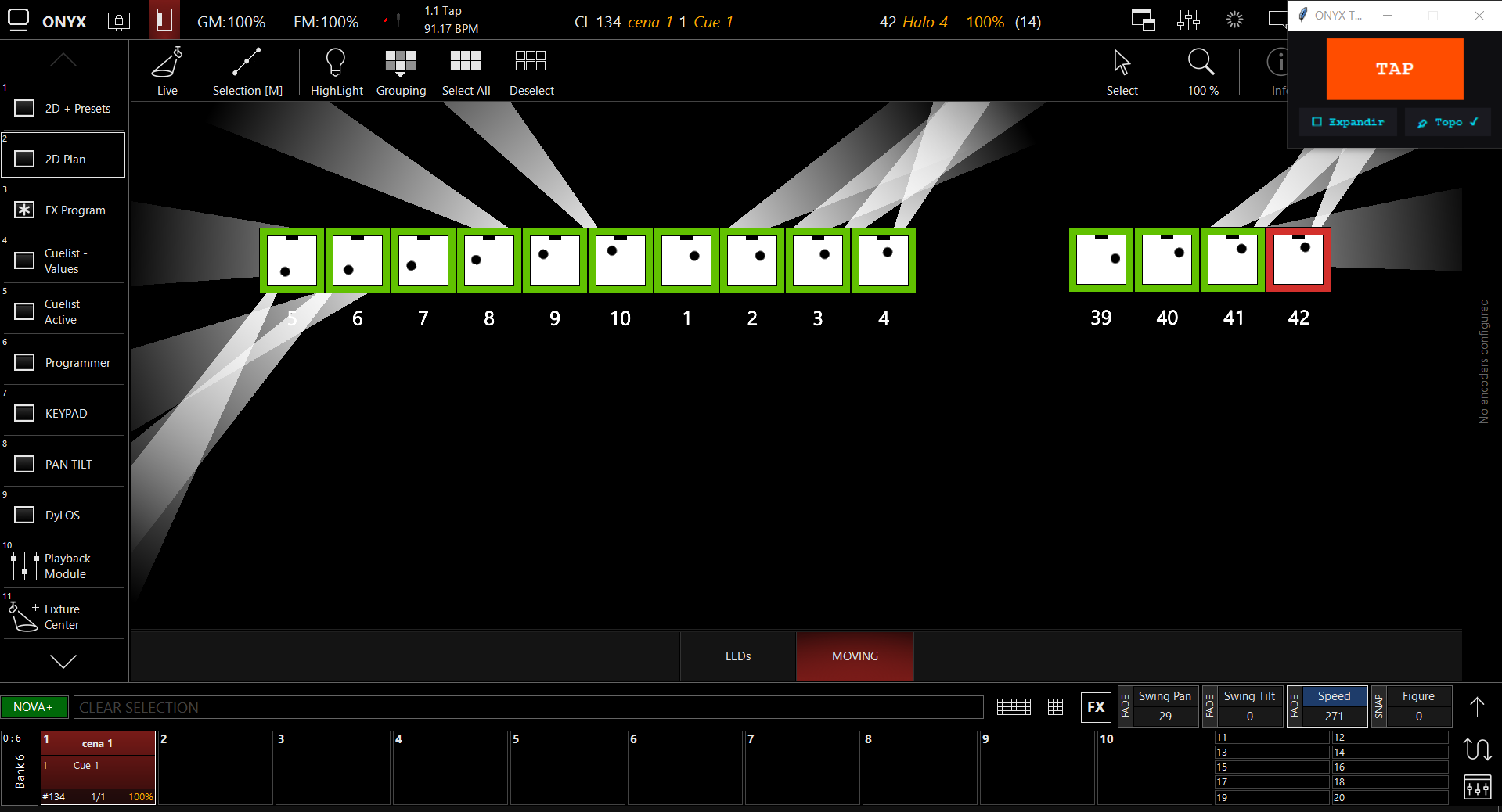
I’ve updated a few things.
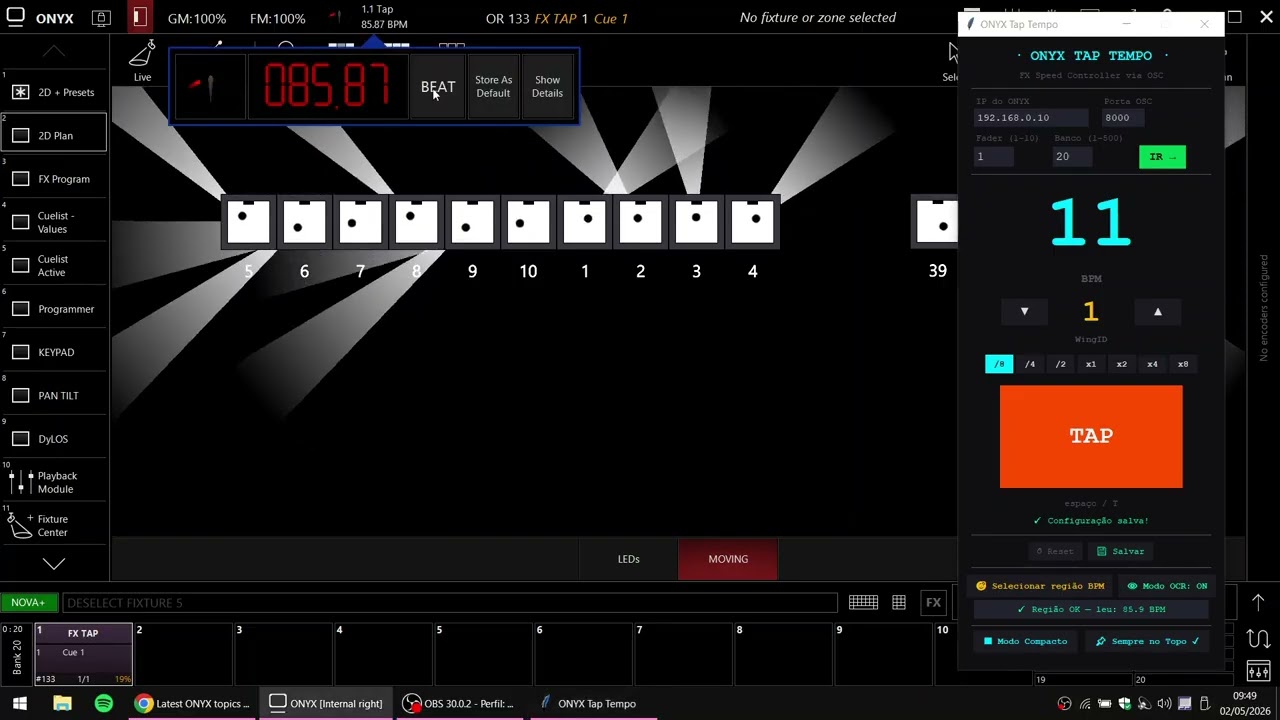
1 - Now there’s an option to save the settings so you can just open it and start using it.
2 - OCR mode using the Tesseract software (already included in the installer) to select the BPM area. The software interprets the values, and with that, you can use the physical “BEAT” button on the ONYX controllers/consoles to send the BEAT. There’s an on/off switch for OCR mode. And this selected area is also saved in memory so you don’t have to do it every time.
2 Likes
2 Likes
This looks really nice. Will play with that a bit in the next days.
Thanks for your work 
2 Likes
A real slap in the face for those responsible for the priority order of Onyx’s features. I encourage you to make a more detailed tutorial without fast camera cuts.
And I hope what’s coming next will be pleasantly surprising, because otherwise I can’t understand this delay in fixing something like this.
1 Like
Just a reminder that my intention is to help; I had a need, I created a solution, and I decided to share it, that’s all.
3 Likes
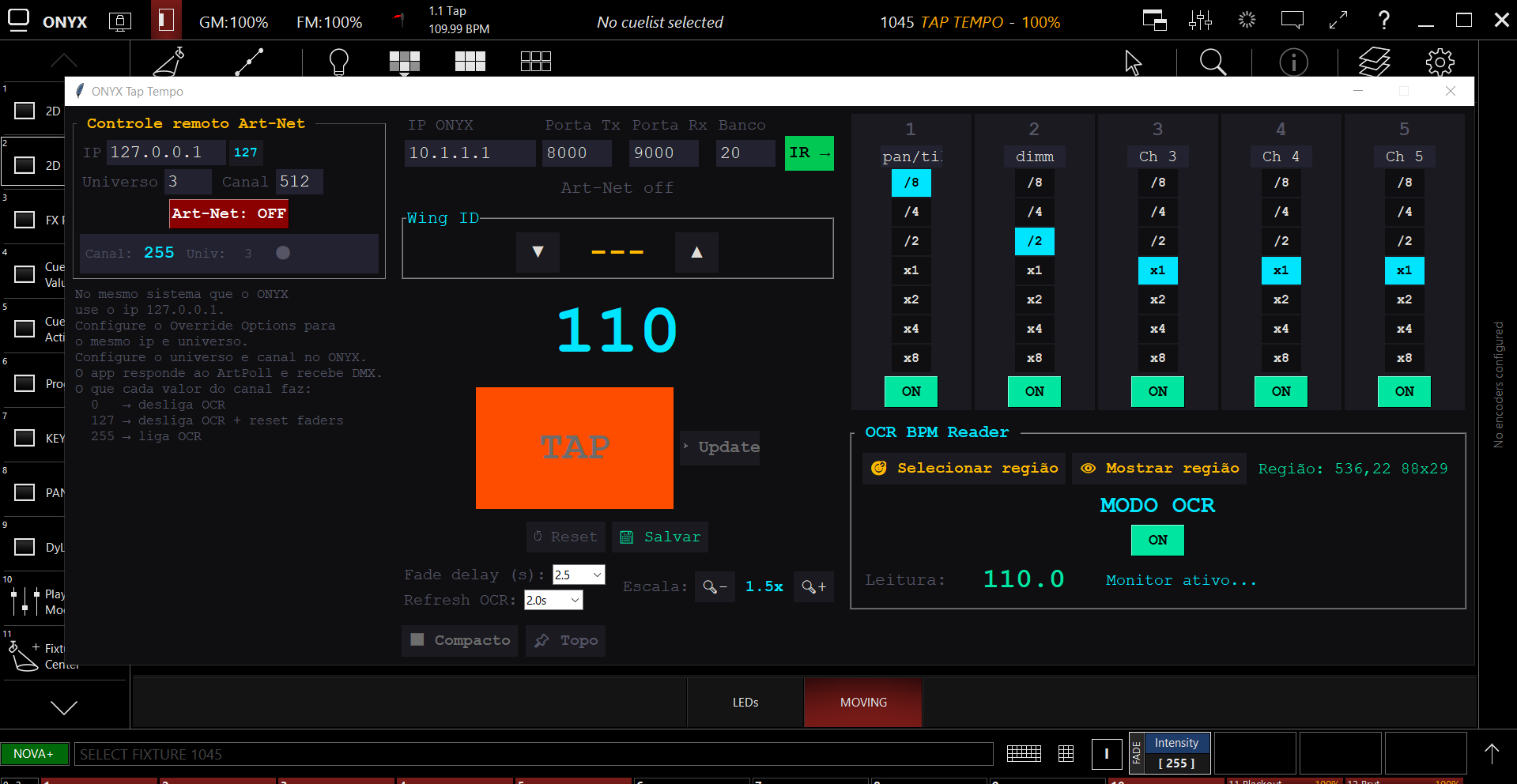
I added a remote control via Art-Net. With a “generic dimmer,” it can be controlled with commands to turn the OCR on and off, and to turn the OCR off + reset the FX faders.
This helps because you don’t need to minimize ONYX to change these settings, and since it’s a “dimmer,” you can save this information in a cue list.
1 Like
Would be nice to implement an auto adjust from midi clock from cdjs
Been using this with dylos implemented bpm from midi clock to run my chases at a club.
Using beatLink trigger to get the midi clock of the master cdj
I think it’s possible to try implementing MIDI, I’ll take a look. My application uses OCR to read a selected area on the screen; if your ONYX is always visible, it already picks up the BPM and uses it to control the 5 faders with FX. In your case, both the Dylos and the FX are synchronized.
hello and thank you, a english version would be great! thx
Se tiverem sugestões, aceito. Eu estou usando sempre nos meus shows. Bom, literalmente eu fiz para atender a uma necessidade minha e está cumprindo bem. Agora tenho tanto “dimmer” e “pan/tilt” no BPM da música.